 TYPINGTESTEXAM.COM
Verified Typing Certificate
Use an eligible saved verified result or complete a server-timed 1, 2, 5, 10 or 15-minute test at 20+ net WPM with no more than 5% errors. Your actual result and duration appear on the certificate.
Certificate issuance · ₹99Account registration is free. The certificate fee is separate from registration and Pro.
How it works
- Choose a language and duration
- Take the typing test
- See Qualified or Disqualified
- If qualified, pay ₹99
- Download PDF/PNG and verify by QR
All 12 site languages are supported. Your saved test language is printed on the certificate. Use your usual keyboard input for that language.
Your certificate eligibility
Sign in to check your saved eligibility. Issuance is subject to final deployment verification.
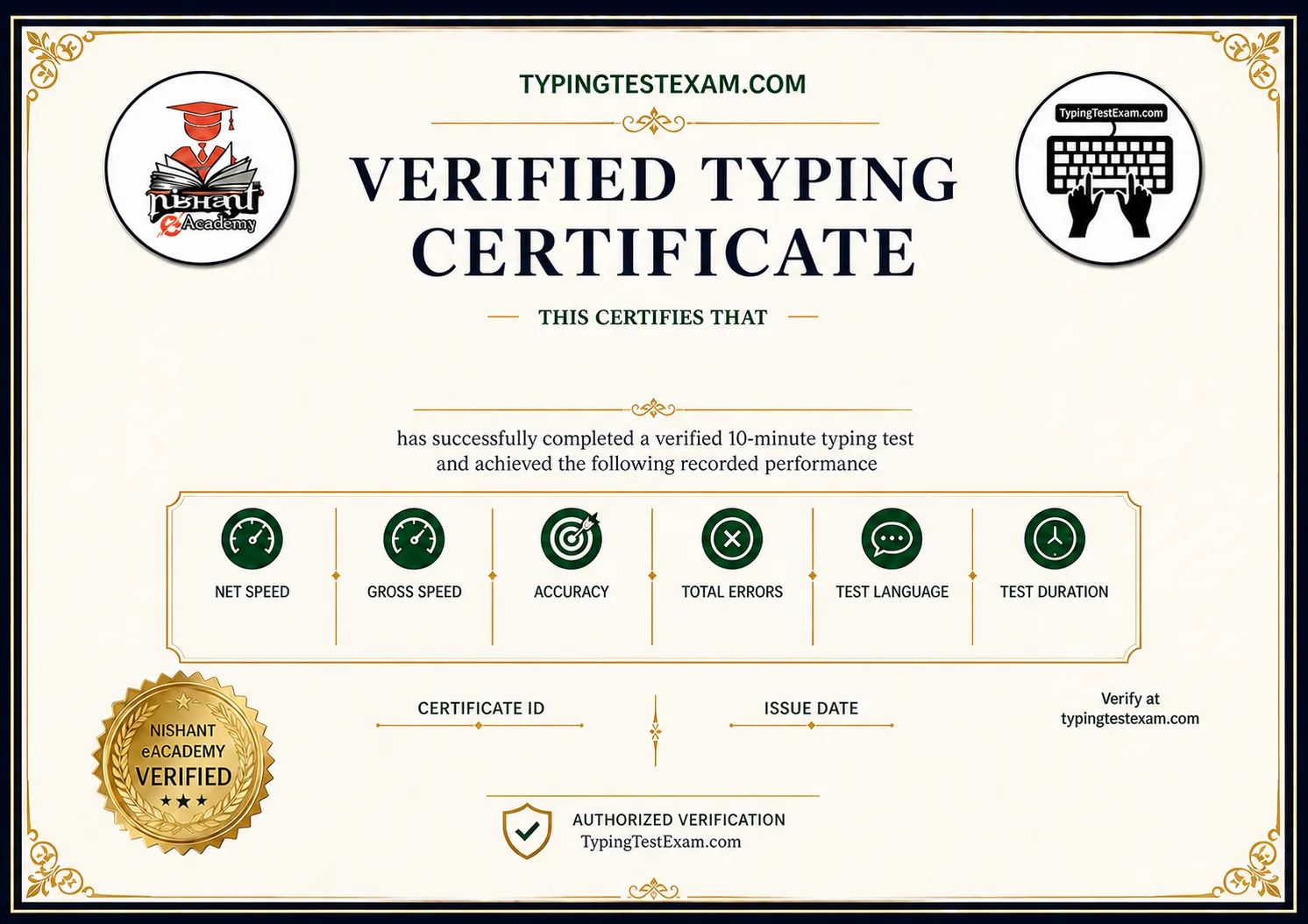
Certificate design
Clean template preview. Candidate details, results, date, ID and QR are added only when a certificate is generated.
Certificate questions
Does a certificate guarantee acceptance by a recruiting authority?
No. Check the requirements of the employer or recruiting authority before purchasing. This certificate records your performance on this website.
What does the ₹99 fee cover?
Issuance of an eligible typing certificate with PDF/PNG downloads and public verification. Registration remains free.
How long does eligibility last?
A qualifying result is eligible for issuance for 30 days. After expiry, take a new qualifying test.
Are admin test certificates genuine paid certificates?
No. IDs beginning TTE-TEST are administrator QA artifacts, clearly labelled as test-only on the certificate and verification page.